
Suchen
WONACH SUCHST DU?

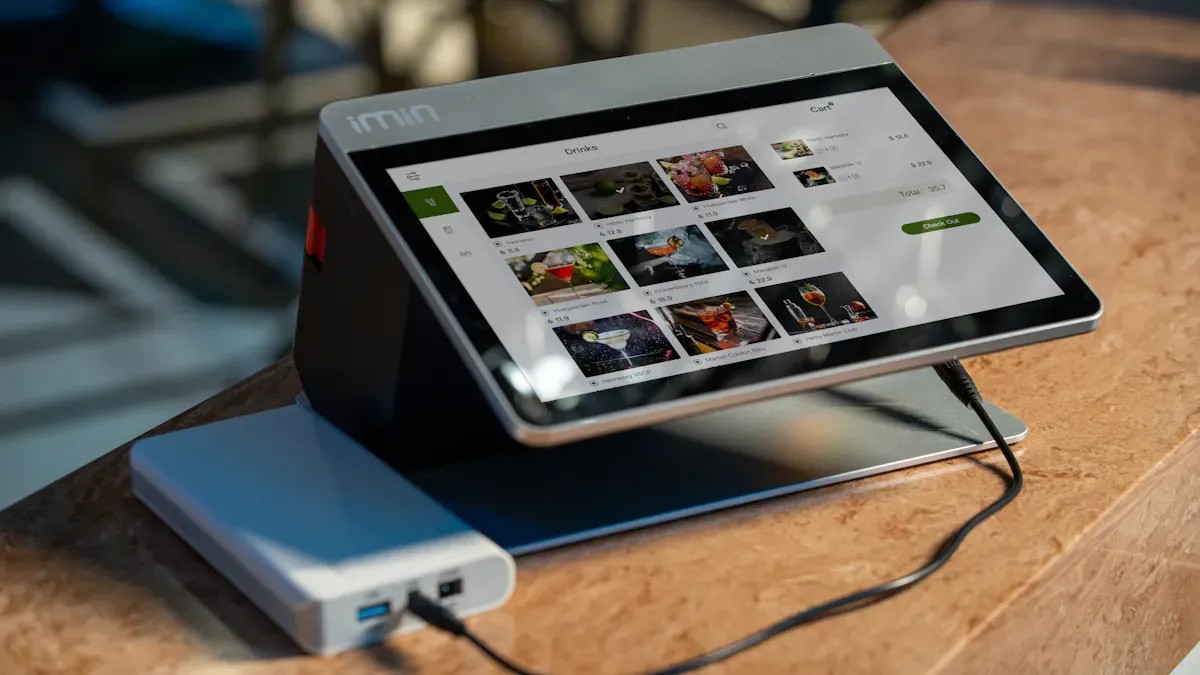
Die Wahl des richtigen Displays prägt das Nutzererlebnis und beeinflusst den Projekterfolg. Kapazitive Touch-Technologie bietet hohe Empfindlichkeit, Multitouch-Unterstützung und überragende Bildschärfe. Designer vertrauen branchenübergreifend auf diese Lösung für intuitive Bedienung und Langlebigkeit. Moderne Anwendungen erfordern fortschrittliche Displays, die Reaktionsschnelligkeit mit hoher Leistungsfähigkeit vereinen.
Kapazitive Touchscreens bieten eine überlegene Empfindlichkeit und Multi-Touch-Unterstützung und sind daher ideal für interaktive Anwendungen geeignet.
Definieren Sie Ihre Projektanforderungen klar und berücksichtigen Sie dabei Faktoren wie Umwelteinflüsse und Benutzerinteraktion, um das richtige Display auszuwählen.
Wählen Sie einen zuverlässigen Lieferanten, um langfristigen Support und eine gleichbleibende Leistung zu gewährleisten, was für den Projekterfolg entscheidend ist.
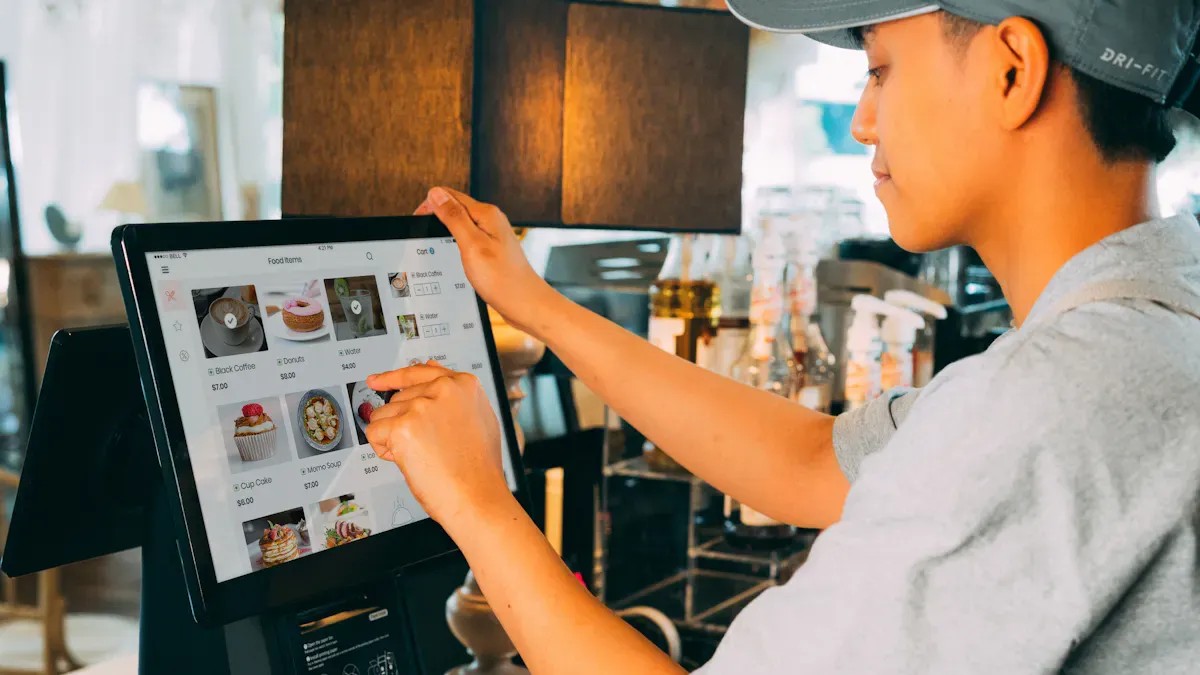
Die kapazitive Touch-Technologie erkennt Veränderungen im elektrostatischen Feld, sobald sich ein Finger dem Bildschirm nähert. Das System nutzt die menschliche Leitfähigkeit und ermöglicht so eine drucklose Berührungserkennung. Dieses Prinzip erlaubt Multi-Touch-Gesten wie Zoomen und Drehen, was die Benutzerinteraktion in Geräten wie dem [Name des Geräts/der Plattform] verbessert. Industrieller kapazitiver Touchscreen-LCD-MonitorKapazitive Touchscreens nutzen entweder die Eigenkapazität oder die Gegenkapazität. Die Eigenkapazität misst Veränderungen an einzelnen Elektroden, während die Gegenkapazität Veränderungen zwischen sich kreuzenden Leiterbahnen erfasst. Diese Verfahren ermöglichen komplexe Gestenerkennung und hohe Reaktionsgeschwindigkeit. Moderne Displays, darunter hochauflösende kapazitive Touchscreen-Module, kombinieren kapazitive Berührung mit brillanten LCD- oder OLED-Panels für klare Darstellungen und effiziente Navigation.
Dank ihrer Multi-Touch-Funktionalität eignen sich kapazitive Touchdisplays ideal für Anwendungen, die intuitive Gesten und eine nahtlose Interaktion erfordern.
Besonderheit | Kapazitive Touchscreens | Resistive Touchscreens |
|---|---|---|
Ansprechzeit | 10-20 Millisekunden | 20-50 Millisekunden |
Optische Leistung | Lichtdurchlässigkeit > 90 %, hell und klar | Lichtdurchlässigkeit 75-85 %, etwas dunkler |
Stromverbrauch | Höher, immer an | Niedriger, nur während Berührungsereignissen |
Haltbarkeit | Bessere Beständigkeit gegen Kratzer und Chemikalien | empfindliche Kunststoffoberfläche |
Umweltbeständigkeit | Hervorragend gegen Feuchtigkeit und Staub | Funktioniert auch unter nassen oder schmutzigen Bedingungen |
Kapazitive Touchscreens Sie verfügen über eine robuste Glasoberfläche, die kratzfest und chemikalienbeständig ist. Dank ihrer Versiegelung gegen Feuchtigkeit und Staub eignen sie sich für anspruchsvolle Umgebungen, wie beispielsweise wasserdichte kapazitive Touch-LCD-Module. Resistive Bildschirme funktionieren auch unter nassen oder verschmutzten Bedingungen zuverlässig, bieten jedoch eine geringere Bildschärfe und langsamere Reaktionszeiten. Kapazitive Technologie dominiert den Markt für Unterhaltungselektronik aufgrund ihrer überlegenen Leistung und intuitiven Gestensteuerung.
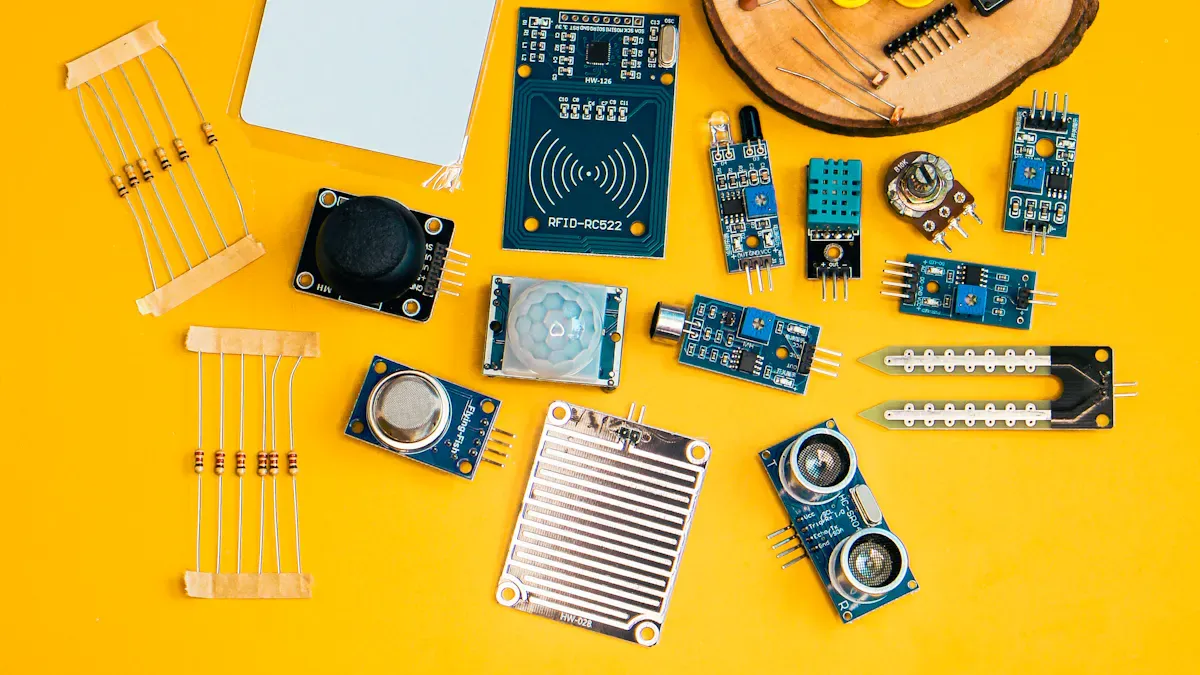
Jedes Projekt beginnt mit einem klaren Verständnis seiner spezifischen Anforderungen. Ingenieure und Designer müssen die vorgesehene Anwendung, die Benutzerumgebung und die erwartete Interaktion berücksichtigen. Beispielsweise muss ein industrieller kapazitiver Touchscreen-LCD-Monitor unter anspruchsvollen Feldbedingungen robust funktionieren, während ein wasserdichtes kapazitives Touchscreen-LCD-Modul Feuchtigkeit und Staub standhalten muss.
Erfordernis | Beschreibung |
|---|---|
Umwelteinflüsse | Prüfen Sie Wasserqualität, Temperatur und elektrische Störungen. Erdung und Abschirmung sind unerlässlich. |
Handschuh- und Nassbetrieb | Für die Verwendung mit Handschuhen oder bei Nässe sind hochempfindliche Controller und Firmware-Unterstützung erforderlich. |
EMV-Beständigkeit | Die Erdung und Abschirmung sollten frühzeitig im Konstruktionsprozess überprüft werden. |
Controller-Optimierung und Firmware | Test unter realen Bedingungen für zuverlässige Leistung. |
Deckglasstärke | Die Auswahl erfolgt anhand der Anwendung und der Umgebung. |
Langfristige Verfügbarkeit | Gewährleisten Sie fortlaufenden Support und Wartung. |
Tipp: Achten Sie stets darauf, dass die Haltbarkeit und Empfindlichkeit des Displays den realen Bedingungen des jeweiligen Projekts entsprechen.
Die Auswahl des richtigen kapazitiven Touchscreens erfordert den Vergleich verschiedener technischer Merkmale. Displaygröße, Auflösung, Berührungspunkte und Schnittstellenoptionen beeinflussen die Benutzerfreundlichkeit und die Systemintegration. Für Anwendungen in Klassenzimmern oder Besprechungsräumen gewährleistet ein 75-Zoll-Display mit 4K-Auflösung eine klare Darstellung auch für große Gruppen. In industriellen oder medizinischen Umgebungen sind Multitouch-Funktionalität und Handschuhkompatibilität unerlässlich.
Besonderheit | Beschreibung |
|---|---|
Berührungsempfindlichkeit | Eine schnelle und präzise Berührungserkennung verbessert die Benutzerinteraktion. |
Haltbarkeit | Gehärtetes Glas und Beschichtungen schützen vor Kratzern und Stößen. |
Energieeffizienz | Intelligente Hintergrundbeleuchtung und geringer Stromverbrauch verlängern die Lebensdauer des Geräts. |
Shengfeng LCD bietet eine breite Palette an Optionen, darunter TFT-LCDs für brillante Farben, IPS-Module für weite Betrachtungswinkel und DSI-Module für schnelle Datenübertragung. Modelle mit kapazitivem Touchscreen und hoher Helligkeit gewährleisten optimale Lesbarkeit auch bei direkter Sonneneinstrahlung, während optional erhältliche Deckgläser zusätzlichen Schutz in rauen Umgebungen bieten.
Die Unterstützung von Multi-Touch ermöglicht erweiterte Gesten.
Überlegene optische Klarheit verbessert die Sichtbarkeit.
Leicht zu reinigende Oberflächen gewährleisten Hygiene in medizinischen Einrichtungen und im Einzelhandel.
Die erfolgreiche Integration eines kapazitiven Touchscreens hängt von der Hardware- und Softwarekompatibilität ab. Ingenieure müssen die Elektrodenmuster für die gewählte Bildschirmgröße und -auflösung optimieren. Die Softwaretreiber müssen den Touch-Controller unterstützen und effektiv mit dem Hostsystem kommunizieren.
Produktbeispiel | Anzeigetyp | Kommunikationsschnittstelle | Touch-Oberfläche |
|---|---|---|---|
RP2350 2,1-Zoll-kapazitiver runder Touchscreen | 480×480 IPS | SPI + RGB | I2C |
ESP32-S3 Wide Touch Display Entwicklungsboard | 640×172 LCD | QSPI | I²C |
Viele Entwicklungsboards, wie beispielsweise solche mit der NXP Touch Library, unterstützen bis zu fünf kapazitive Berührungssensoren. Diese Flexibilität ermöglicht die Integration in diverse eingebettete Systeme. Die Vermeidung elektromagnetischer Störungen (EMI) ist entscheidend, insbesondere in industriellen Umgebungen, wo Motoren und Netzteile Störungen erzeugen. Eine frühzeitige Validierung von Erdungs- und Abschirmungsstrategien beugt Leistungsproblemen vor.
Hinweis: Vergewissern Sie sich stets, dass das Hostsystem Touch-Eingaben parallel zu anderen Funktionen verzögerungsfrei verarbeiten kann.
Die Kosten variieren je nach Displaygröße, Auflösung, Touch-Genauigkeit und erweiterten Funktionen. Modelle mit kapazitiven Touchscreens hoher Helligkeit und Panels in Industriequalität sind aufgrund ihrer verbesserten Langlebigkeit und Leistung teurer. Multitouch und fortschrittliche Gestenerkennung erhöhen die Gesamtkosten ebenso wie Funktionen wie Handballenerkennung und hohe Leuchtdichte.
Kostenfaktor | Auswirkungen auf die Preisgestaltung |
|---|---|
Anforderungen an die Auflösung | 4K und benutzerdefinierte Auflösungen erhöhen die Kosten. |
Größe und Fertigungsausbeute | Größere Displays sind aufgrund geringerer Erträge teurer. |
Genauigkeit der Berührungserkennung | Höhere Präzision erhöht die Basiskosten um 20-40%. |
Multi-Touch-Funktionen | Fortschrittliche Systeme können die Kosten um 40-60 % oder mehr erhöhen. |
Lebensdauerbewertungen der Panels | Industriepaneele mit einer Lebensdauer von über 50.000 Stunden erzielen höhere Preise. |
Die Zuverlässigkeit der Lieferanten spielt eine entscheidende Rolle für den langfristigen Projekterfolg. Displays, die strenge Zuverlässigkeitstests bestehen, reduzieren Ausfälle im Feld und Wartungskosten. Langfristige Partnerschaften mit qualifizierten Lieferanten wie Shengfeng LCD gewährleisten bessere Preise, fortlaufenden Support und Zugang zu Mehrwertdiensten wie kundenspezifischen Lösungen, Einhaltung von Industriestandards und Lebenszyklusmanagement.
Die Wahl eines Lieferanten mit starkem technischem Support und nachgewiesener Zuverlässigkeit sichert Ihre Investition und gewährleistet eine gleichbleibende Leistung.
Die Hersteller statten diese Monitore mit robustem Glas, fortschrittlichen Dichtungen und EMI-Abschirmung aus. Diese Merkmale gewährleisten einen zuverlässigen Betrieb in Fabriken, an Außenkiosken und bei anspruchsvollen Außeneinsätzen.
Ein wasserdichtes kapazitives Touchscreen-LCD-Modul zeichnet sich durch seine abgedichtete Bauweise und wasserabweisende Beschichtung aus. Diese Konstruktion ermöglicht eine präzise Berührungserkennung selbst bei Wasser oder Feuchtigkeit auf der Oberfläche.
Ein kapazitiver Touchscreen mit hoher Helligkeit sorgt für optimale Lesbarkeit auch bei Sonneneinstrahlung. Er liefert klare Bilder und reagiert präzise auf Berührungen, wodurch er sich ideal für Kioske im Außenbereich und öffentliche Displays eignet.
Bitte lesen Sie weiter, bleiben Sie auf dem Laufenden, abonnieren Sie uns und wir heißen Sie herzlich willkommen, uns Ihre Meinung mitzuteilen.


Urheberrechte ©
© 2017 Guangdong Shengfeng Technology Co., Ltd. Alle Rechte vorbehalten
.Seitenverzeichnis
| Blog
| Xml | Datenschutzrichtlinie  NETZWERK UNTERSTÜTZT
 Sprache


 Rufen Sie uns an
:
Rufen Sie uns an
: